Foreword
I've been blogging for two months and have made many friends who visit each other's blogs. But I was bothered by not knowing whether other people's articles had been updated.
I downloaded many RSS subscription apps from Baidu; they consumed a lot of memory, and my laptop's fan was whirring loudly, and I couldn't figure out why such a plain, unremarkable program used so much.

yy.png
This morning there was a notification of a comment—the comment from Casual Journal recommending a self-hosted RSS subscription system; my eyes lit up, it felt like I had found treasure late... So after coming home and taking a shower, I started deploying it.
Commands you may need (Linux OS; requires Docker and Nginx)
1: Create a folder: mkdir
2: Create a file: touch
3: Enter the directory: cd
1: Prepare configuration file
Save the configuration file as ~/rssant/rssant.env, modify according to the comments (if there is no rssant folder and file, you can create one first)
2: Start the service
Save the following script as ~/rssant/start.sh, where port 6789 can be changed to a custom port.
Execute docker exec -ti rssant supervisorctl status; the following process statuses indicate that everything is normal:
Visit http://localhost:6789/admin/ Username: admin Password: admin
Click the top-right corner of the page on "CHANGE PASSWORD" to change the password.
All set—return to the homepage to start using it!
If you need to stop the service, run: docker rm -f rssant If you need to back up data, back up the rssant-postgres-data volume; the other volumes can be ignored.
AntReading mobile app actual screenshots (really very easy to use:
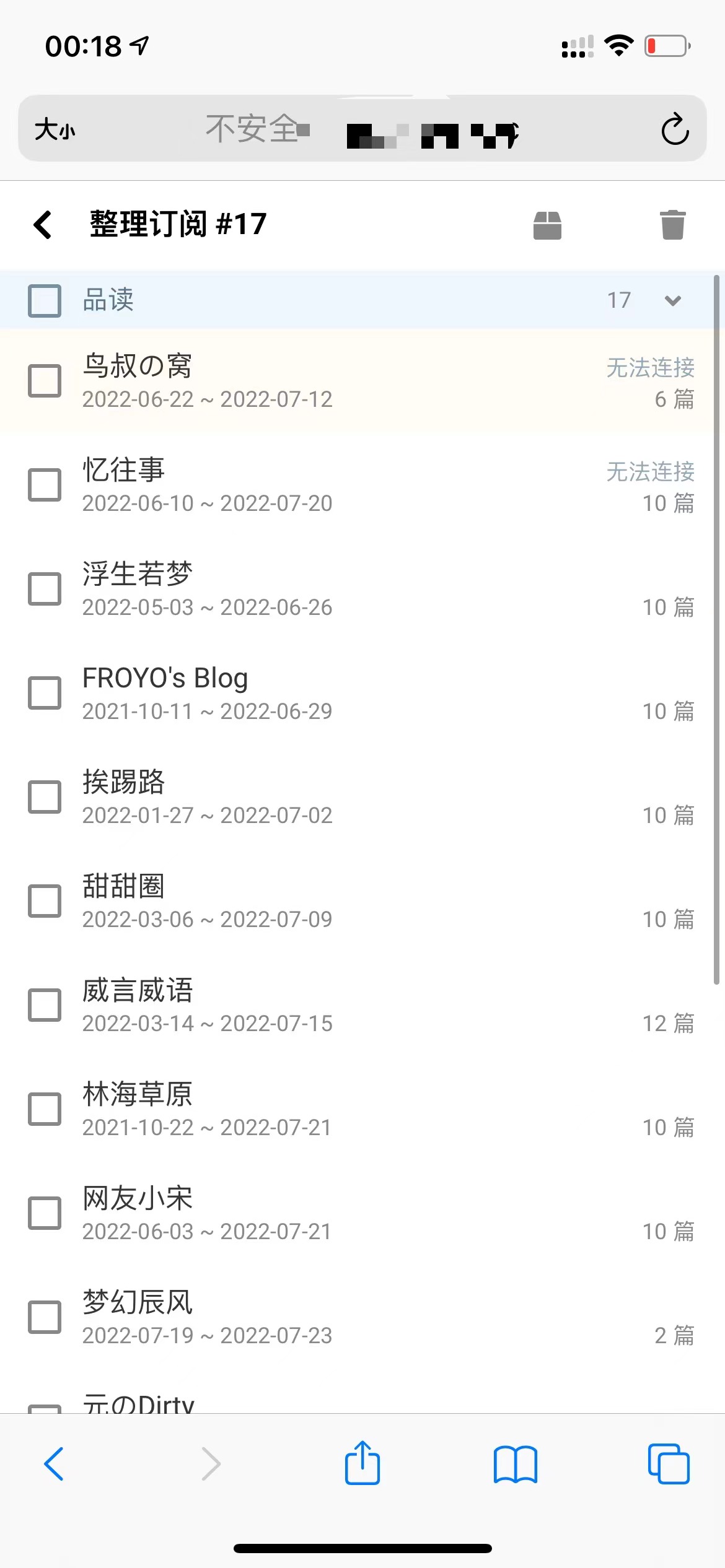
yy2.jpg
This article references Casual Journal for documentation: https://www.yunlogs.com/daogu/105.html