This past period we launched a new site, but it has attracted little attention, and the diary site's comment system has also been inactive. Tonight, when Teacher Jiang Chen left the first comment, I suddenly found the avatar was not showing. I’m recording the fix methods here for reference; anyone using the same theme can refer to them.
1: Fix the avatar failure location in the comment area
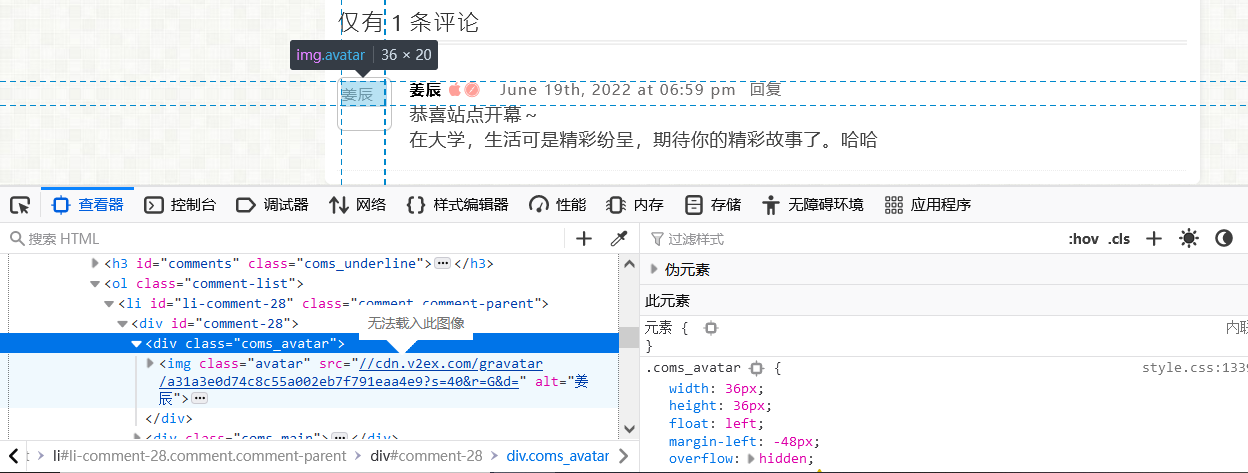
3994841485.png
$gravatar = defined('TYPECHO_GRAVATAR_PREFIX') ? TYPECHO_GRAVATAR_PREFIX : '//cdn.sep.cc/avatar';
2: Fix the avatar failure location in the backend comment area

3497984855.png
isSecure ? 'https://cdn.sep.cc' : 'https://cdn.sep.cc';
3: Resolve the PHP error that occurs after turning off the preferred comment avatar in the PureLove theme settings.
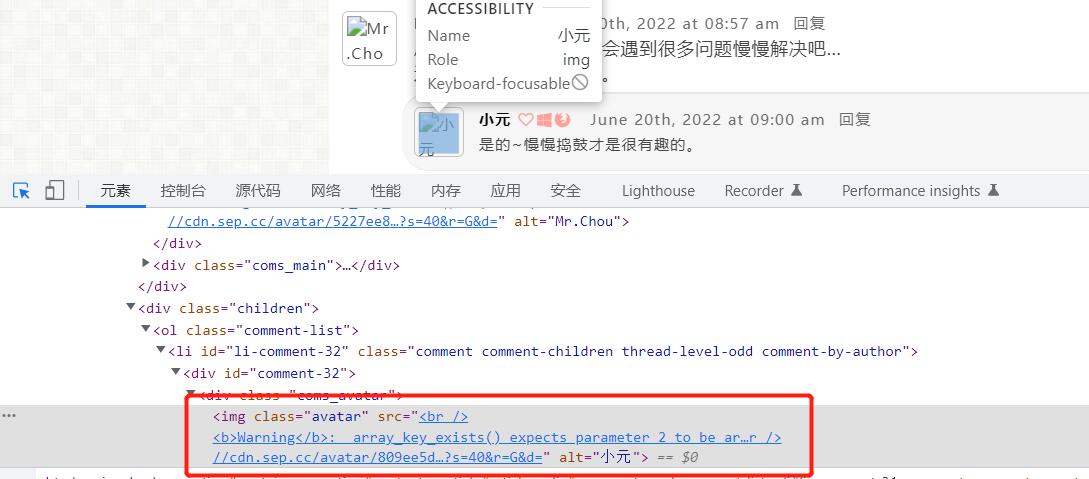
4013620744.jpg
commentSettings) ? $commentSettings[0] : '';
Refresh the homepage; you will find the issue has been resolved.
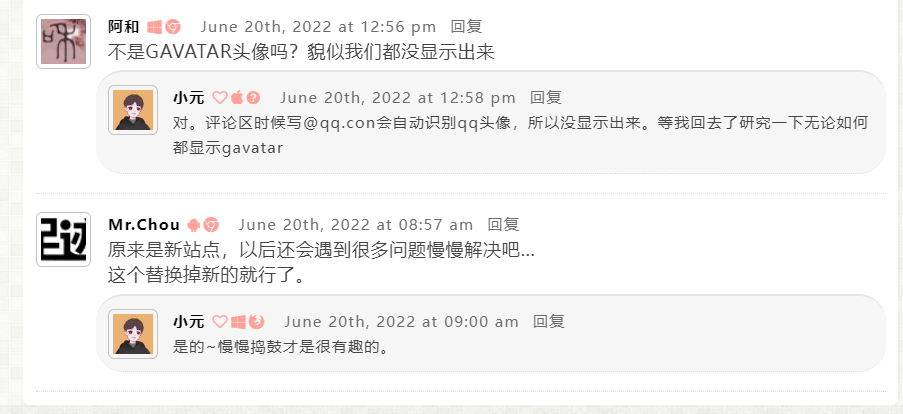
1414539918.png
Special thanks to the owner of Mist Time Forest for the solution::(Rainbow)[